
Kickstarter successful! (and other news)

Forum LiveThanks to everyone who helped us get the “Word” out, wordclock that is.  Our Kickstarter project exceeded all of our expectations by an order of magnitude.

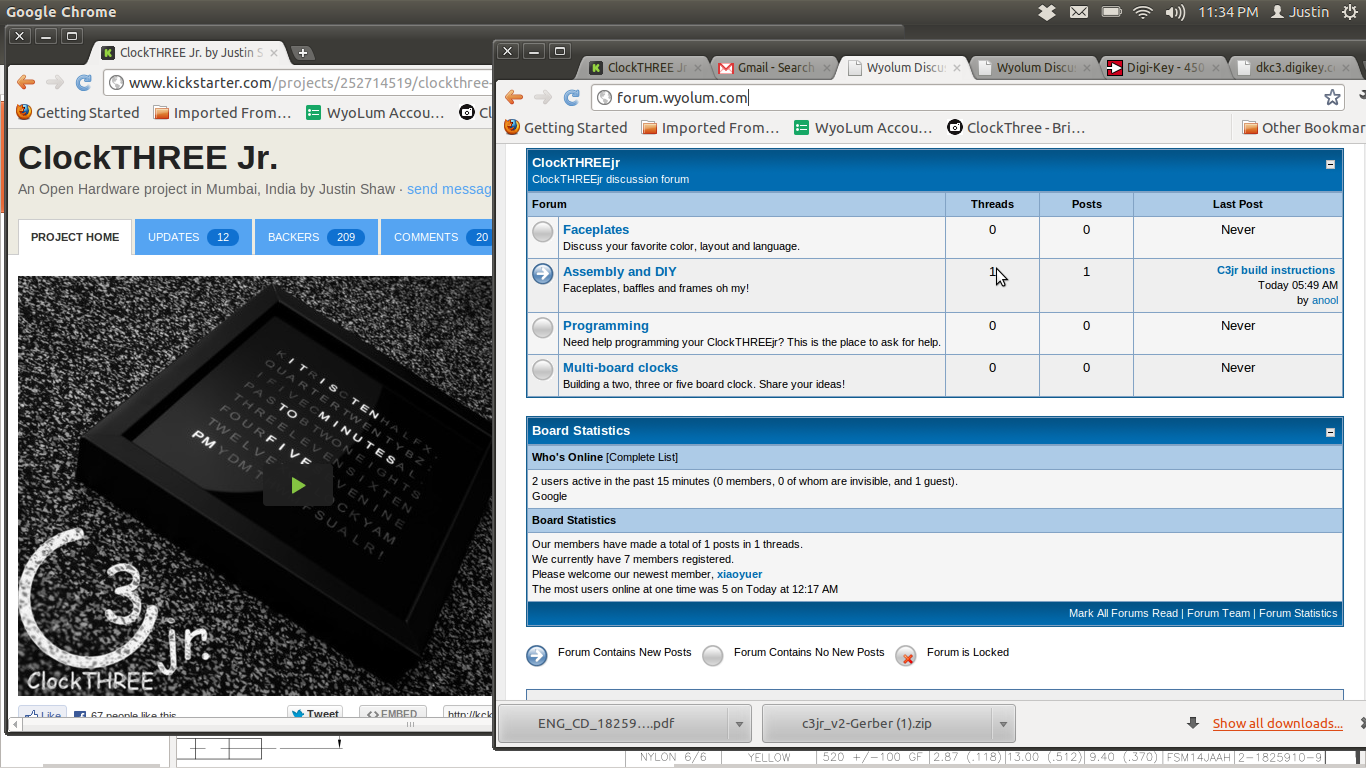
In order to prepare for builder questions, David Pincus set up a forum: http://forum.wyolum.com.  Please sign up and post a question or answer one.

The ClockTHREEjr has illustrated the viability of the WyoLum model.  The following is from our original homepage.

WyoLum is a partnership of Open Source enthusiasts collaborating on cool products.

We want to take DoItYourself to the next level of efficiency by creating a collaboration platform where guerrilla engineering-and-design teams can emerge for the duration of a project, solve a problem, disband and move on to the next project with the main goal of having fun in learning and developing as many cool and interesting projects as we can.
Continue reading

ClockTHREEjr KickStarter Launched

We just launched a KickStarter project for ClockTHREEjr!  We can significantly reduce the price if we achieve a volume buy.  Help us spread the word!

Justin

UPDATE: We have exceeded our minimum threshold by a factor of 2 and still three weeks to go! Help us keep up the momentum! Spread the word [clock]!!

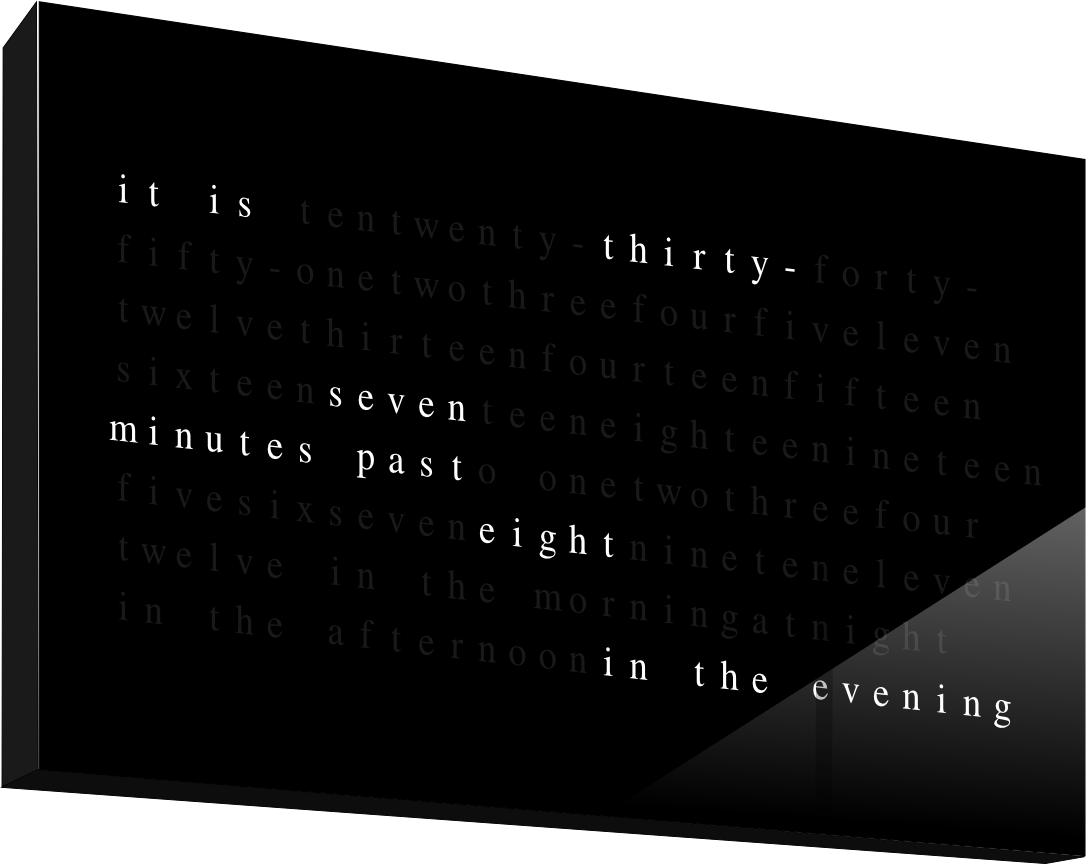
UPDATE: We have added 2- and 3-board designs. Check out the super cool “artist rendition” of “to-the-minute”.

Custom faceplate C3 glam shot

Here’s a quick pic of my custom faceplate Clock3.  My clock has a custom black faceplate with a row of ‘dots’ across the second to last row on the bottom.  Each dot represents 15 seconds and move one dot from left to right in groups of four dots, or one minute.  When the dots reach the right side of the clock five minutes is up and the words change.

Arduino Library Modifications

Prior to the actual doomsday, we plan to use DOOMSDAY as a race timer for mountain bike races.  To that end we need precision time keeping.  We have a 1 ms accuracy goal relative to an absolute GPS time reference.  The GPS module provides time data in NEMA format as well as a one pulse per second (1pps) reference signal.  When the GPS signal goes out of view, a real time clock chip keeps track of time and provides its own 1 Hertz signal: a 1 Hertz square wave.

In order to sync the 1pps signals to the real time clock square wave, I made some modifications to two libraries: Time, and TinyGPS (by Mikal Hart).  Precision timing is made possible by adding a 1Hz reference to the existing library.  Millisecond accuracy is obtained by keeping track of the last 1 Hz transistion and the 1 Hz duration.  So in addition to the standard year(), month(), day(), hour(), minute(), and second() functions, I added millisecond() which returns an integer between 0 and 999.

Some other functions were added to support the 1Hz reference:

/* TJS: one Hertz interrupt to be called on rising edge of one Hz square wave. 
 *      Used to sync with GPS clock or other 1Hz source to get millisecond time accuracy
 *      trigger is one of LOW, CHANGE, RISING, or FALLING
 */
void set_1Hz_ref(time_t current_time, int interrupt_pin, void(*cb_ptr)(), int trigger);

/*
 * TJS: stop counting ticks.  Used to sync with absolute time.
 */
void pause_1Hz();

/*
 * TJS: start counting ticks.  Used to sync with absolute time.
 */
void unpause_1Hz();

The TinyGPS library also needed to be modified to support precision time synchronization.  The key enabler is a fix notification scheme.  At the heart is a user provided function that gets called when a new fix message arrives.   This function was added to support this:

/*
 * TJS: Add a callback routine to be called when a new fix arrives.
 */
void TinyGPS::add_callback(fix_cb_t fct_ptr);

// Example fix callback signature
void grab_datetime(unsigned long _date,
                   unsigned long _time,
                   long lat,
                   long lon,
                   long alt,
                   unsigned long speed,
                   unsigned long course);

Upgrading to Arduino 1.0

Arduino 1.0 has hit the street.  And with that comes some backward compatibility issues.  These are the ones I needed to address to get ClockTHREE to run on Arduino 1.0.


ISSUE #1: “BYTE” keyword is no longer supported, but it is not required with the new Serial.write command.

FIX: Replace Serial.print(val, BYTE); with Serial.write(val);

ISSUE #2: “wprogram.h” not found.  It has been renamed “Arduino.h”

FIX: The release notes includes a handy pre-compiler directive to check of the arduino flavor you are using.

 #if defined(ARDUINO) && ARDUINO >= 100
 #include "Arduino.h"
 #else
 #include "WProgram.h"
 #endif

ISSUE #3: Wire.send, Wire.recieve renamed to Wire.write and Wire.read resp.

FIX: At first I tried writing a couple of macros like FIX 1, but after it took me a long time to discover my mistake, I decided not to be clever here.  I now I just add a pre-compiler conditional for Arduino 1.0.  So you end up wrapping the old code with the check wherever “Wire.send” and “Wire.receive()” where.  Like this (and so on for read/receive).

// Arduino 1.0 compatibility
#if defined(ARDUINO) && ARDUINO >= 100
Wire.write("DATA", 4)
#else
Wire.send("DATA", 4)
#endif
ISSUE #4: NewSoftSerial renamed to SoftwareSerial

FIX: This fix stinks, I don’t know a good way to solve it (suggestions welcome!) Arduino will scan the PDE file for ANY #includes EVEN when precluded by a pre-processor directive. The fix is to comment/uncomment the code for the correct version of Arduino.

For Arduino 1.0:
#include <SoftwareSerial.h>
SoftwareSerial sws(4, 5);
//#include <SoftwareSerial.h>
//SoftwareSerial sws(4, 5);